
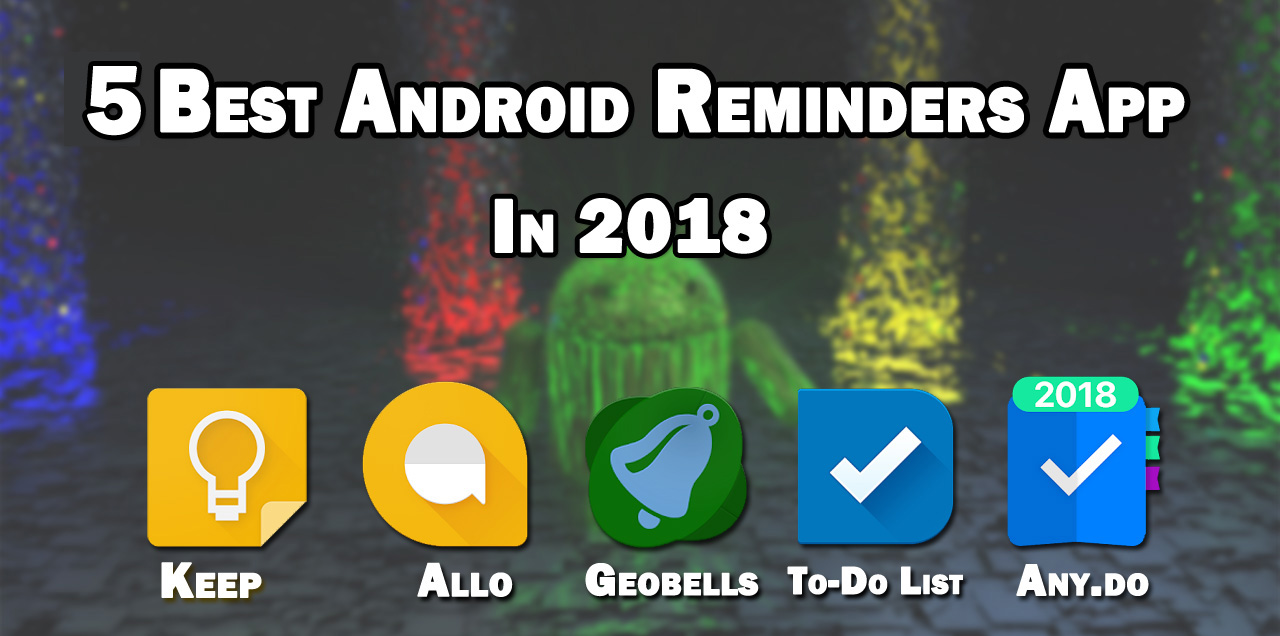
If the phone is used for every field of life, why not get the phone's help to remind you anything? Today, I will introduce you to some of the best Android reminder apps, which will help you to remind you of your forgotten work.
Google Keep
As Android is Google's product before suggesting another app, I would like to find out whether Google has made any app itself for that work. Because, to use Google's apps, super Easy and in one account, everything can be controlled. Google keep - A simple note-writing app, where there are location-based reminder systems.
Best of all, the app is completely free! The app will have the option to share your reminder notes with everyone. You can send a note to your friend who has only one Gmail account. You can also manage notes or create new reminder notes using https://keep.google.com from the web app.

Features of Google Keep
- Create notes and lists, set time and place reminders, and check off your completed tasks.
- Add a collaborator to your notes and lists, then get things done together.
- Add photos and drawings, or just draw on your photos.
- Dictate your thoughts, Keep will transcribe them for you.
- Search notes by automagically created topics.
- Group notes together with #labels.
- Color notes for easy scanability.
- Access your notes on any device. Synced automatically to your phone, tablet, watch, and laptop via the Google Keep website, or Chrome app.
- Use “Ok Google” voice commands to “take a note” or “add to to-do list”.
For Android; - Google Keep
Google Allo
Although Google Allo is a messaging app, still it can do a lot. This app contains Google Assistant, which treats this app as the chatbot format. You can ask anything this chatbot, or by doing any virtual work with this chatbot.
You can set the reminder on the phone by typing or the voice command, after that you will get a reminder by phone notification on certain time. Although this app is still not so popular, for Google Assistant, you can get a lot of fun from this app. That's why it's a unique app for you to set up the reminder.

Features of Google Allo
Smart Reply
Respond to messages without typing a single word. Smart Reply learns over time and suggests responses to text and photos, in your style.
Ink
Get creative with the photos you send by doodling on them or adding text.
Stickers
Say it all with the perfect sticker. Stickers in Google Allo are designed by independent artists and studios from around the world.
SHOUT or whisper
No more typing in ALL CAPS to get your point across. Say it louder or quieter by changing the size of your text with a quick swipe.
Meet your Google Assistant
Google Allo brings you the Google Assistant. Find restaurants nearby, share videos and get answers, all from within your conversation with your friends. Add @google to your group conversation or chat one-on-one with your Assistant. It’s your own personal Google, always ready to help.
Incognito mode
Send messages with end-to-end encryption, use private notifications to help keep your chats more discreet and control how long your messages stick around with expiring chats.
Note; - Some features not available in all countries.
Download Google Allo
Geobells
Geobells App is a great app and this app, have some amazing features. You can set the reminder when you go to a place. You can set any place as a reminder, there will be no need to have an address, in this app, you will find the built-in map feature.
You can find any location from here. Suppose you typed, "restaurant" - the app will show you the location of some of the restaurants around you.

Features of Geobells
NEVER FORGET
Set reminders for when you enter or exit a geographic location. Create a reminder in a couple taps using a functional, beautiful interface.
HUMANLY INTELLIGENT
Set reminders for a type of place instead of just an address. Intuitively view your reminders on a map. Swipe to set a reminder as completed.
Geobells uses advanced location logic, taking into account what activity you’re doing (driving, biking, or walking) and adjusting reminders accordingly to save battery.
BEYOND TEXT
Enable voice reminders and be read the details, or switch on popup notifications to receive a clear visual heads-up. Go beyond the simple text notification.
INFINITELY CONFIGURABLE
Remind yourself to take out the trash when you leave your house. Bring up your shopping list at the grocery store. Or automatically silence your phone at the theater.
Download This App; - Geobells
To-Do List
A simple lightweight to-do list app. Here you can easily create any task and also group tasks to easily browse. You can also sync this app with Google Talk.
After changing the device or buying a new phone, you can get your lists back when you sign in with this account. Undoubtedly it's a good reminder app. There's also a premium version, but you can do a lot with a free version. So you can use it.

Features of To-Do List
- User-friendly task management
- Grouping tasks in handy task lists
- Smart home screen widgets show instantly what to do
- Intelligent notifications exactly when you need them
- Syncing with Google that just works
For Download; - To-Do List
Any.do
Any.do is a to-do list type reminder app for android user. The best part of the app is, it has an amazing interface. In a word, it's a great reminder app. It's the best app to remember anything.
In addition, the app's interface has been made by Material Design. In this app, you can also set the home task with the reminder. As a reminder app, it must be used at once.

Features of Any.do
- Add tasks and manage shared projects
- Label to-do’s with colors to set priorities & categories
- Organize tasks under lists
- Prioritize tasks on your checklist with a daily planner
- Add & review to-do’s instantly with a home-screen widget
Download; - Any.do
This is the best 5 reminder apps I have seen for Android. If you want, you can try it.


