
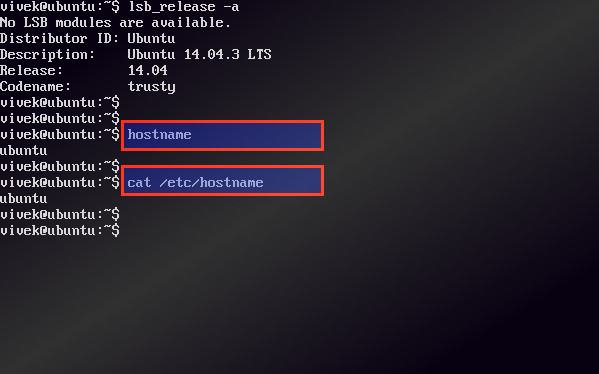
Computers have always needed unique addresses to talk to each other. With the advent of the Internet, the requirements for enabling computers to communicate with each other on a network included the concept of the hostname. The hostname began as a simple string of alphanumeric characters (and possibly a hyphen) and has evolved to its current definition, where hostname means a Fully Qualified Domain Name (FQDN) that absolutely and uniquely identifies every computer hooked up to the Internet via the Domain Name Service (DNS) naming hierarchy
By default, your server is started with the server’s given name as the hostname. Some software, such as cPanel, requires a valid Fully Qualified Domain Name (FQDN) for the hostname to be used during their licensing verification system. This article describes how to change a server hostname in CentOS.
To change your hostname, enter the following command as root:
$ hostname servername.yourdomain.com
If you are using cPanel, you will need to resync your license with the cPanel license server. To do this, use the following command:
$ /usr/local/cpanel/cpkeyclt
Permanent hostname change on RedHat based systems
RedHat based system use the file /etc/sysconfig/network to read the saved hostname at system boot. This is set using the init script /etc/rc.d/rc.sysinit
/etc/sysconfig/network
NETWORKING=yes
HOSTNAME="server.domainname.com"
GATEWAY="192.168.1.1"
GATEWAYDEV="eth0"
FORWARD_IPV4="yes"
So in order to preserve your change on system reboot edit this file and enter the appropriate name using the HOSTNAME variable.


