
Hosting guides & insights
Practical, engineer-written articles on performance, security, servers and growing your site.

How to install WordPress on Vesta CP
To install WordPress in Vesta CP, first, you must log in to Vesta CP. From there to the “Database” section, you will need to create a new database for WordPress.
Read article
Sep 30, 2018
How to install VestaCP on CentOS7
Vesta Control Panel (VestaCP) is an open source hosting control panel that can manage multiple websites, creat...
Read more
Jul 31, 2018
How to install WordPress on CentOS7
WordPress is a free web content management system (CMS), which occupies 30% of the entire Internet at...
Read more
Jul 31, 2018
How to install LAMP stack on CentOS7
The "LAMP" stack is a group of open-source software that is usually installed together so that the server can...
Read more
Jul 30, 2018
How to configure a firewall in CentOS7
FirewallD is a firewall management solution, which is available for many Linux distributions.
Read more
Jul 30, 2018
How to install and use Vim text editor on CentOS7
The most powerful text editor accessible from the command line is vim editor.
Read more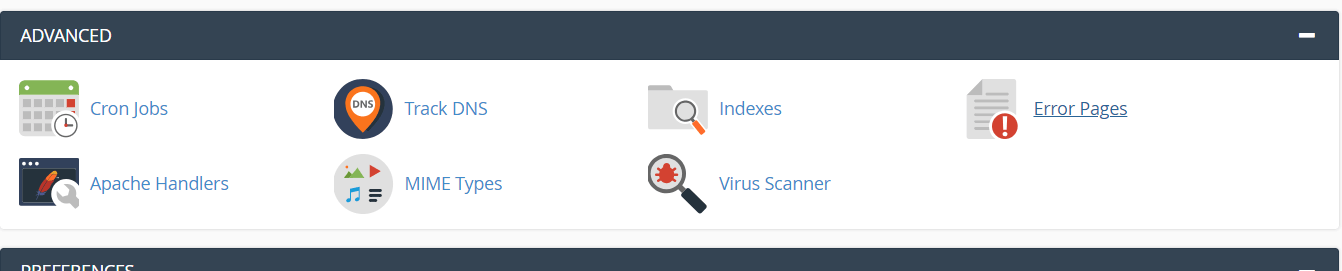
Jul 17, 2018
How to Disable Directory Browsing
How do you keep people from stealing your reports, images, and other files you have stored on your hosting ser...
Read more
Jul 15, 2018
Initial Server Setup with CentOS7
When you want to create a new server, you have to work a few steps. If you can finish each step successfully,...
Read more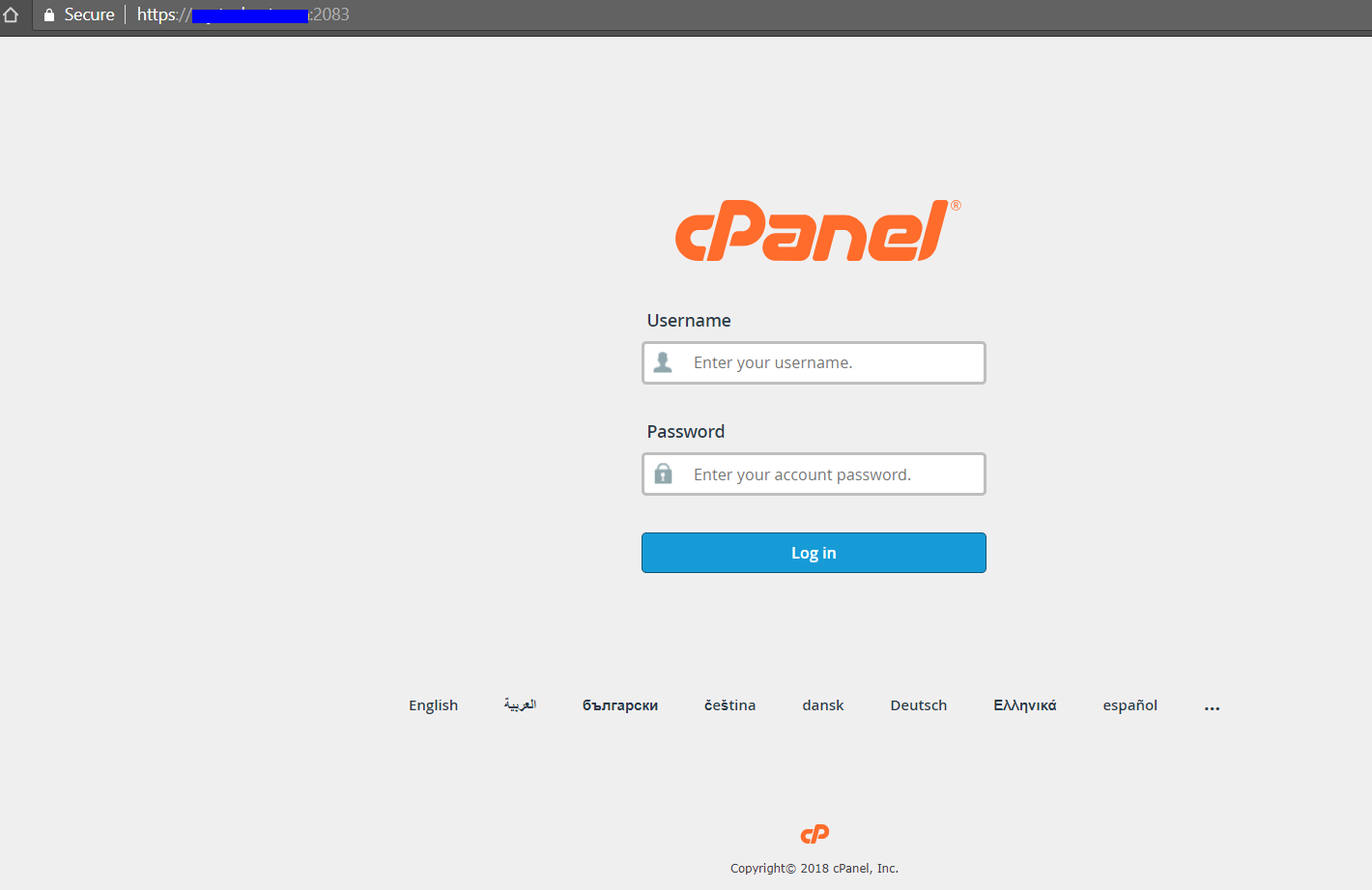
Jul 04, 2018
How to Login to cPanel
Our article will help you with the login process for cPanel. Access your account, view and manage domain names...
Read more